AI Automation & Workflows

The Weekly Manual-Step Removal Build for Teams Running Every Handoff by Hand

We connect the tools you already use so the step you currently copy, re-enter, or forward by hand runs on its own, the same survey-to-routing mechanic already running live on this site.

Demo
AI voice · fictional scenario · no client result
DEMO: fictional workflow scenario with synthetic narration. No client result.
Value stack

Here's Everything You Get

  • Tool and step audit

    We map what you use today and where a human is manually bridging two tools, so you are not guessing what to automate first.

  • Connected workflow build

    We wire your tools together so one step triggers the next without you touching it, so the handoff stops living in your head.

  • Scoring and routing logic

    Where a workflow needs a decision, like which lead or request goes where, we build that logic in, the same mechanic already scoring and routing every lead through this site's own survey.

  • Tested end to end

    We run the workflow through its real triggers before you rely on it, so it does not fail quietly the first time it matters.

  • Documented handoffs

    Every connection is documented in plain language, so you are not the only person who understands how your own workflow works.

  • Full paid-setup ownership after full payment

    You review and test the finished workflow; ownership of the paid setup transfers after full payment, so nothing stays locked to an account you don't control.

  • Custom

    Priced to your scope after the survey. No public price list, no invented figures.

What you get

Every file, spelled out

  • A workflow connecting the tools you already use, built around the manual step you actually want removed.
  • Scoring or routing logic where a workflow needs to make a decision, not just move data.
  • Plain-language documentation of how the workflow runs, so it does not depend on us to keep working.
  • Testing through the workflow's real triggers before you rely on it.
How it works

From link to finished file

  1. 01

    Tell us the manual step

    Tell us the step you're doing by hand today, and which tools it moves between. No call needed.

  2. 02

    We map the workflow

    We map the trigger, the steps, and any decision the workflow needs to make.

  3. 03

    We build and test it

    We connect the tools and test the workflow through its real triggers before it goes live.

  4. 04

    Review and approve it

    You review the workflow, request changes, and receive ownership of the paid setup after full payment.

Timeline depends on how many tools and decisions the workflow touches, scoped honestly once we see your stack, not on a fixed clock.

Demo

See it in action

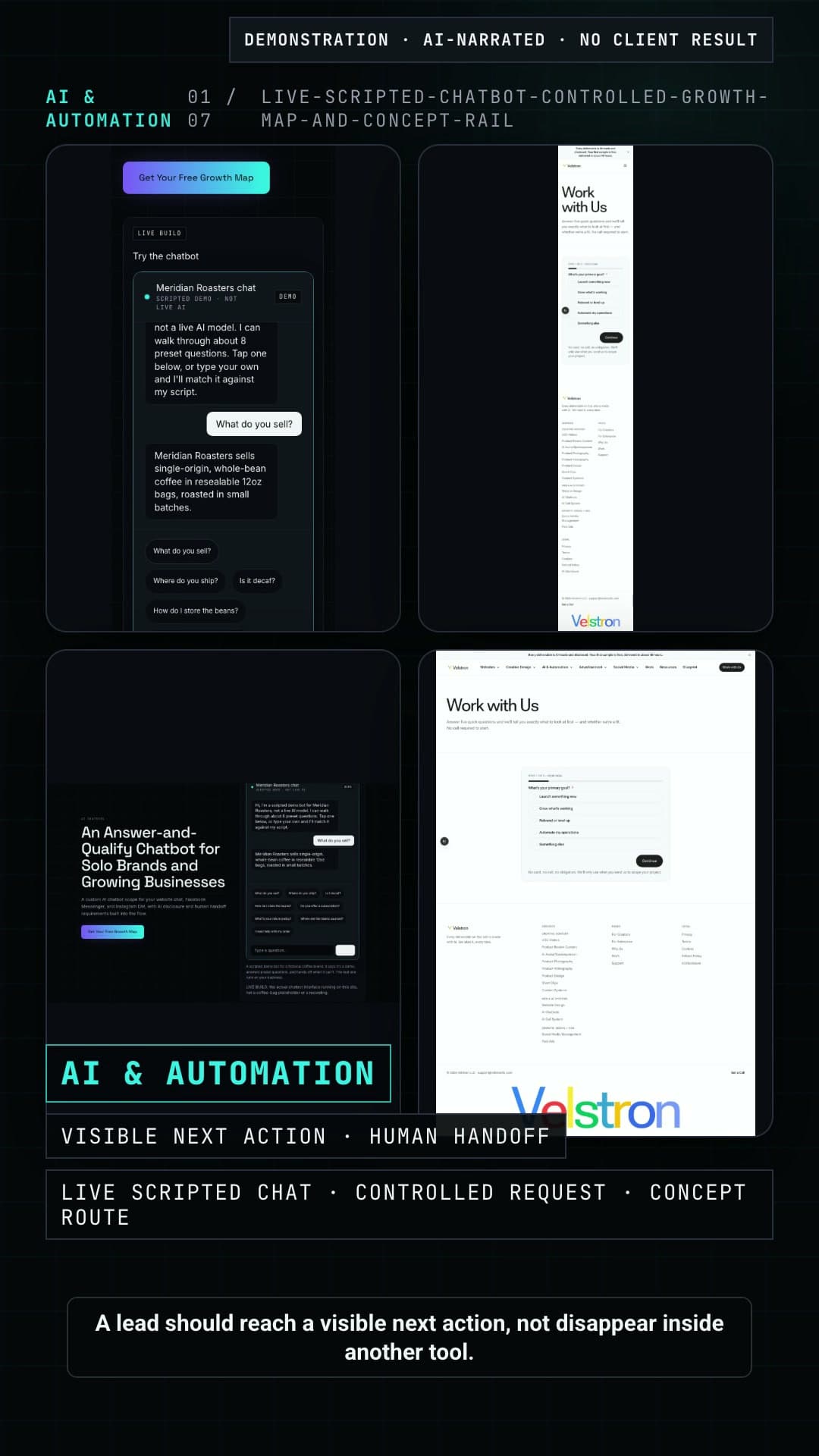
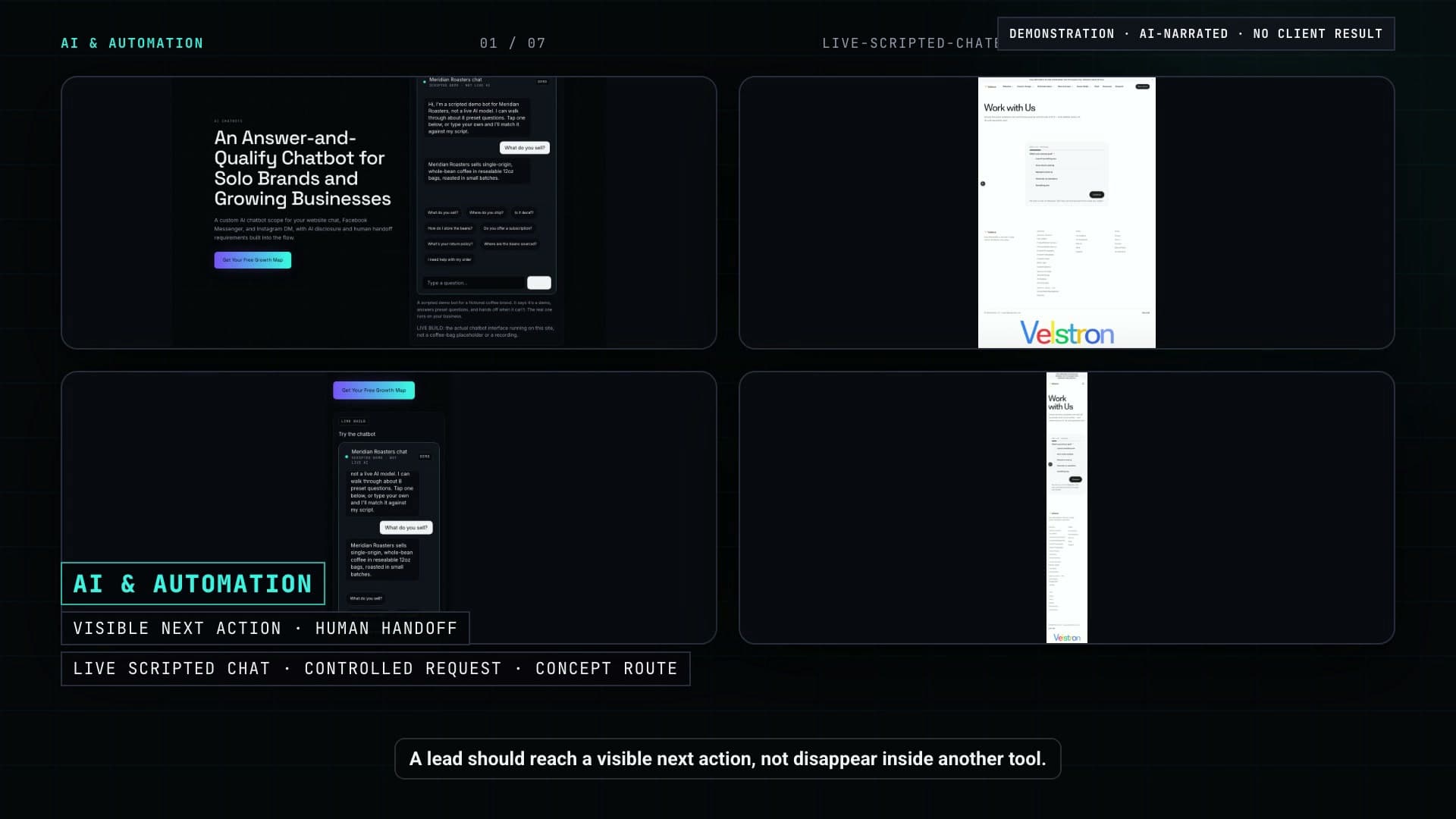
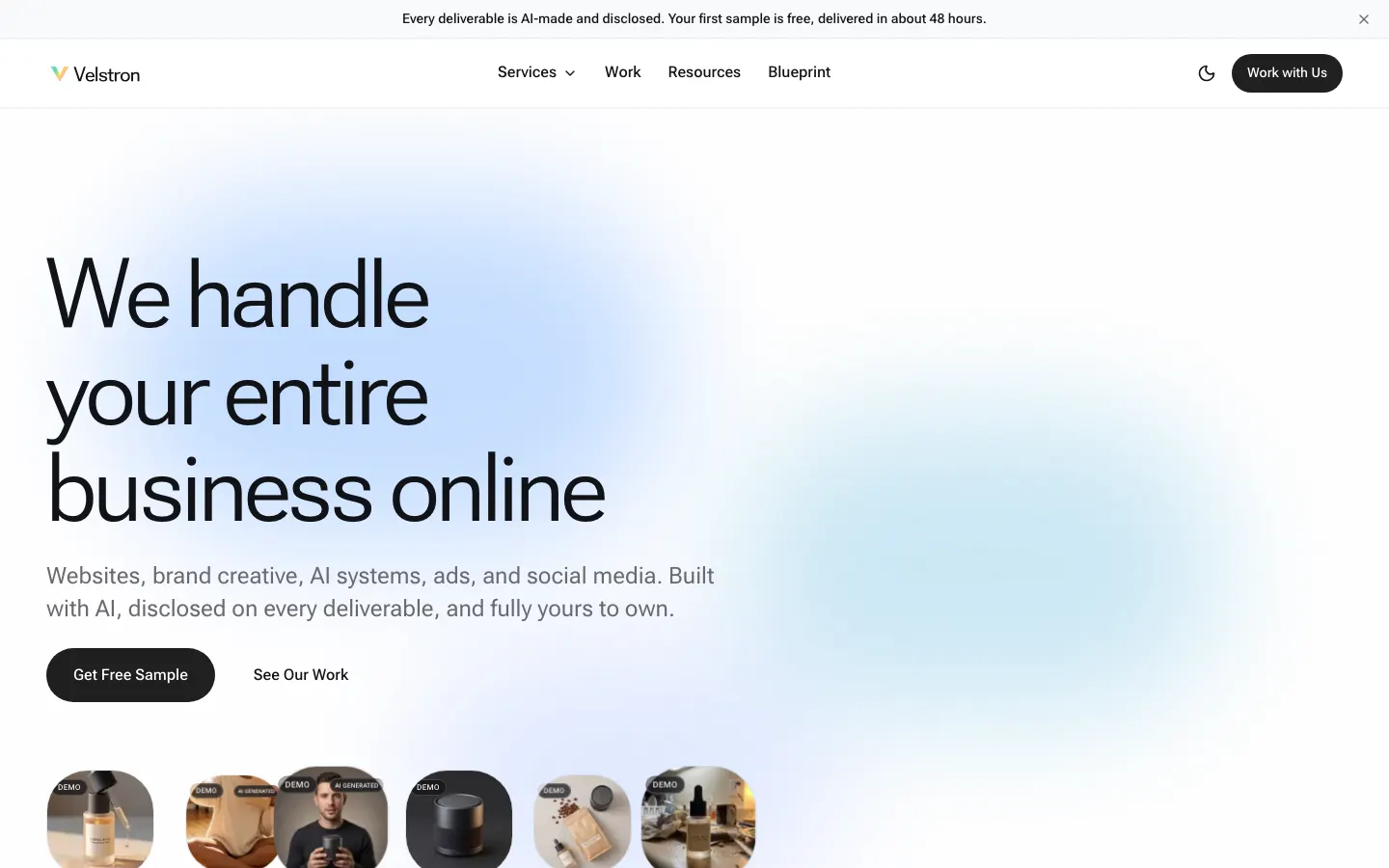
Screenshot of the Velstron homepage in light mode, the entry point to the Work with Us survey.
Live Build
LIVE BUILD: this is the actual homepage of this site. Its Work with Us survey feeds a real scoring model that routes every lead by score, live in production, not a mockup.
Capability depth

Repeatable workflows with a real trigger, an approval path, and a documented fallback.

Lead routing and follow-up sequences

Move a new inquiry from capture to the right owner and next step using the rules your team already follows.

Example scenarios
  • A site form can create a CRM lead, assign it by service and territory, send the approved acknowledgment, and notify the owner.
  • A WhatsApp inquiry can enter the same qualification queue as website leads instead of living in a separate inbox.
  • A booked prospect can receive the approved confirmation and reminder emails while the sales owner gets the submitted context.

Review-request workflows

Trigger a review request at the right customer milestone and give unhappy customers a direct support path instead of pushing everyone through one message.

Example scenarios
  • A dental clinic can send its approved review request after a completed appointment and stop the sequence when the patient responds.
  • A home-service company can trigger a request when a job is marked complete, with the responsible branch attached.
  • An e-commerce brand can ask for product feedback after the expected delivery window and route support replies to the inbox.

Reporting digests

Collect the fields your team checks repeatedly and send a scheduled summary that links back to the source records.

Example scenarios
  • A sales manager can receive a weekly digest of new leads, booked calls, open follow-ups, and owners from the connected CRM.
  • A marketing team can receive a campaign summary assembled from approved reporting sources without rebuilding the same spreadsheet each week.
  • A multi-location operator can receive one digest grouped by branch, service line, or responsible manager.

Content repurposing pipelines

Turn one approved source into a review queue of channel-ready drafts while keeping publishing under human control.

Example scenarios
  • A recorded webinar can become draft clips, captions, email notes, and article sections for the team to review.
  • A founder's long-form post can feed draft versions for LinkedIn, email, and short social updates without auto-publishing.
  • A product update can create a draft customer email, help-center note, and internal announcement from one approved brief.

Document generation from templates

Merge approved business data into controlled templates for proposals, quotes, reports, and contracts, then route the draft for review or signature.

Example scenarios
  • A sales team can turn an approved CRM opportunity into a proposal draft with the correct scope, contact, and pricing fields.
  • A service business can generate a quote from selected line items and customer details, then email the reviewed PDF.
  • An operations team can assemble a recurring client report or contract draft from approved records while keeping final approval with a person.
You give us this · we do the rest

Inputs we need from you

  • The manual process as it runs today: trigger, steps, decision points, owners, and the exceptions that need a person.
  • Access to the site forms, WhatsApp account, calendars, CRM, email, files, or reporting sources included in the scope.
  • Your approved messages, templates, proposal or quote fields, report layout, and contract language where documents are involved.
  • The test records, approval owner, and fallback path we should use before the workflow handles live information.
Integration touchpoints

Where the workflow can connect

  • Site forms: start a workflow from a real inquiry, application, request, or uploaded document.
  • WhatsApp: capture or send approved business messages when the account and consent rules support it.
  • Calendars: create, update, or react to bookings and scheduled delivery milestones.
  • CRMs: create records, update stages, assign owners, and supply approved data to documents or reports.
  • Email: send acknowledgments, internal alerts, review requests, digests, and approved document drafts.
Perfect for

Built for

  • Solo operators and small teams manually bridging two or more tools every week.
  • Businesses whose lead or request handling depends on one person remembering the steps.
  • Teams that want a decision point, like routing or scoring, built into the workflow instead of judged by hand each time.
FAQ

Questions

Tell us the manual step. We'll map what removing it looks like.

Get Your Free Growth Map